Everyone has a controller
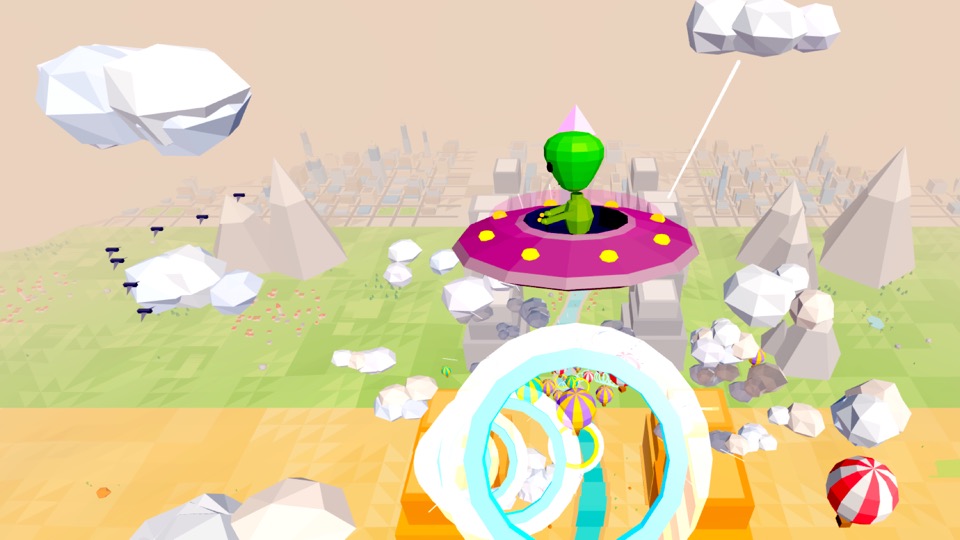
Three phones, three bikes, one screen. No waiting for a turn with the gamepad, on iPhone or Android.
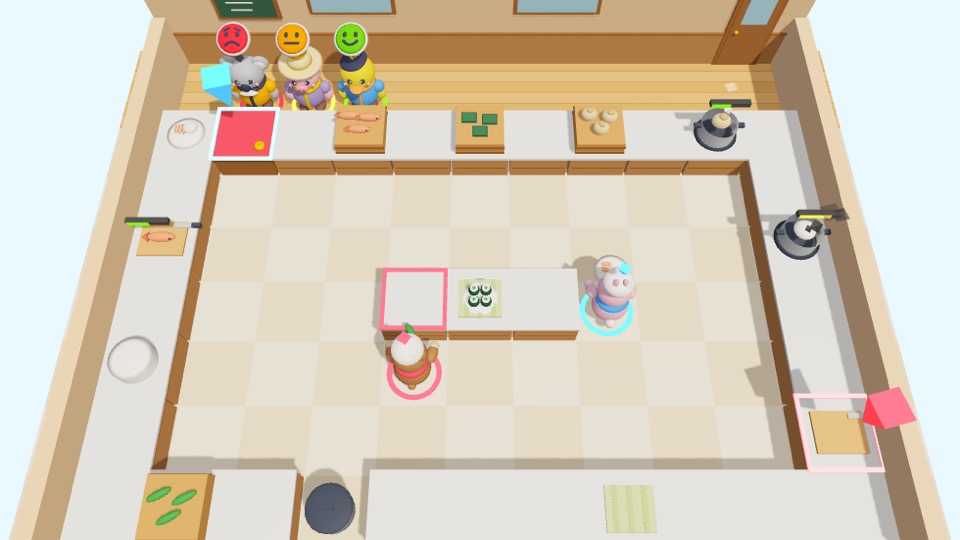
Pocket Play turns your TV into a game hub. Everyone scans one QR code, and their phone becomes the controller for a whole line-up of games, from kart racing to co-op cooking.
No controllers to buy. No app on anyone's phone.
The phones in your pockets are the controllers. Nobody downloads a thing.
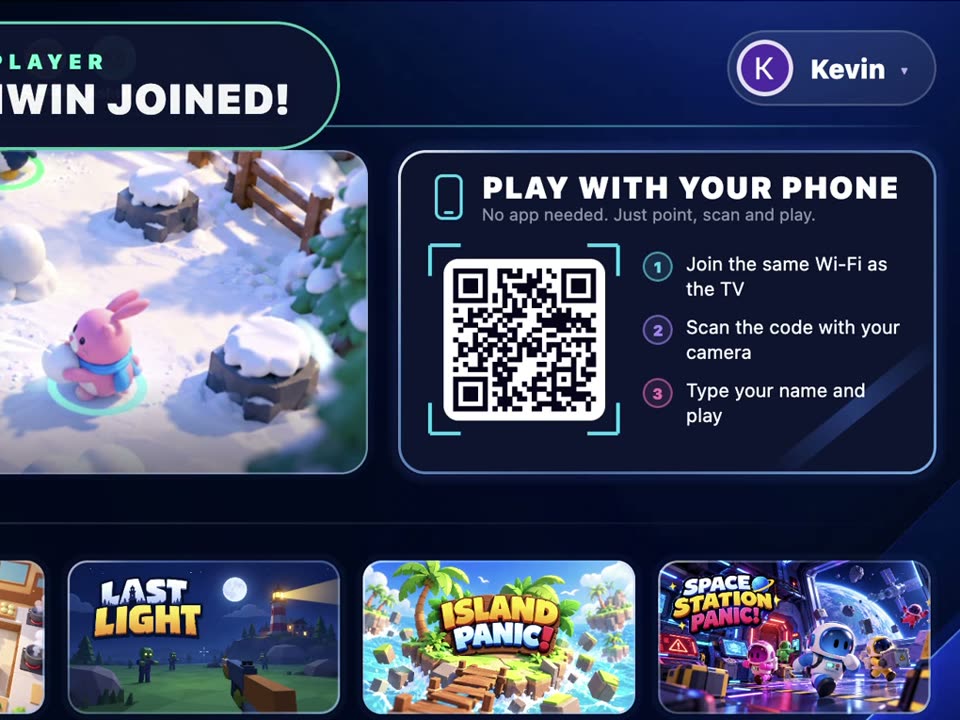
Start Pocket Play. The code to join is waiting on the home screen.
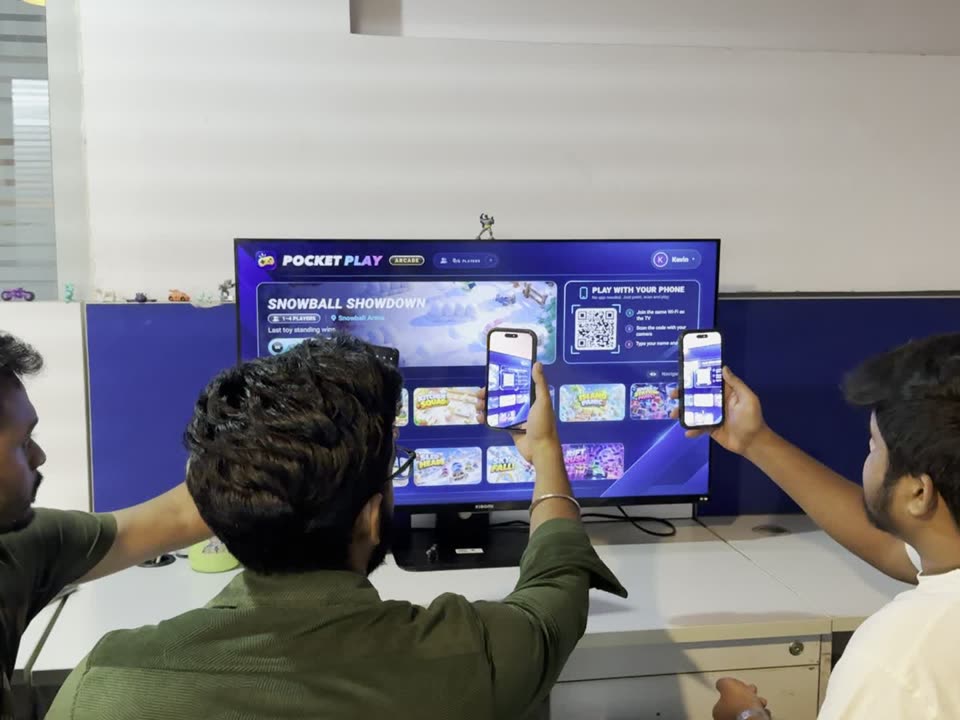
Point a camera at the code, type a name and you're in. Up to six players.
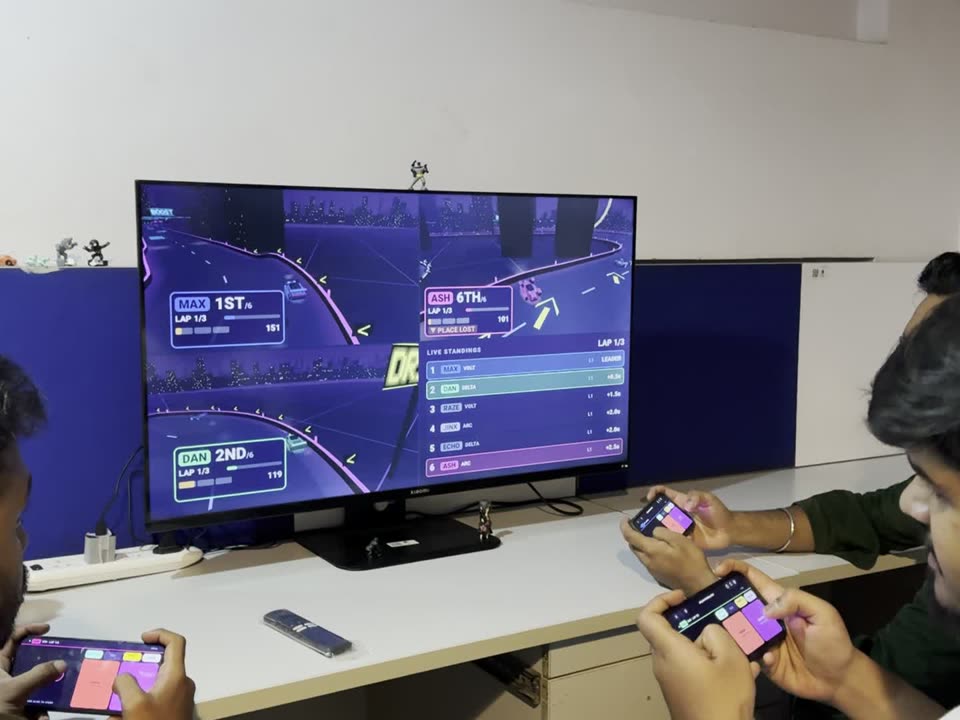
Each phone turns into the right controller for the game, and stays connected all night.
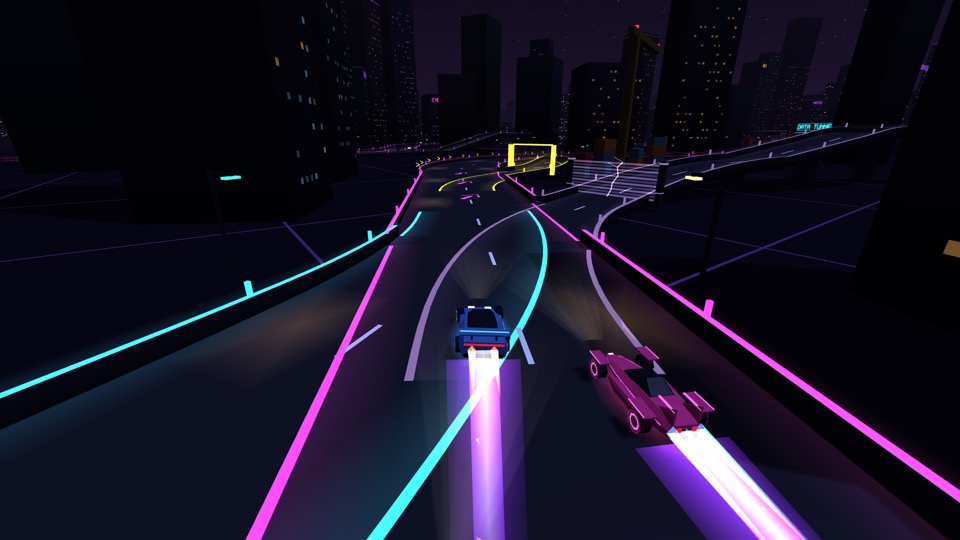
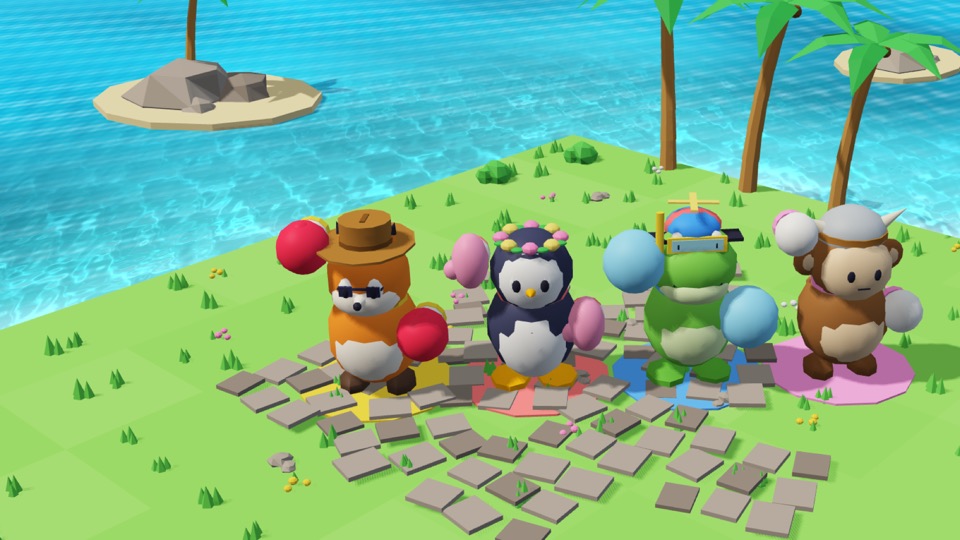
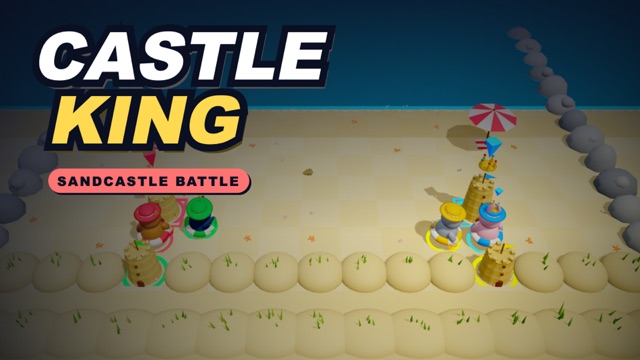
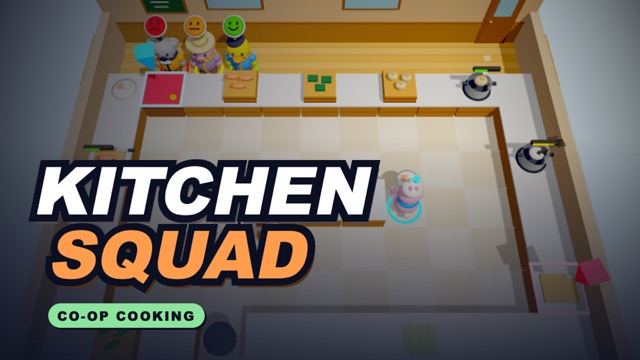
Race, brawl, cook, bowl and survive together. New games keep joining the line-up.
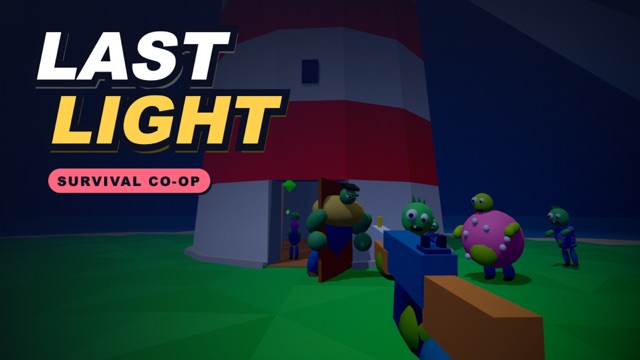
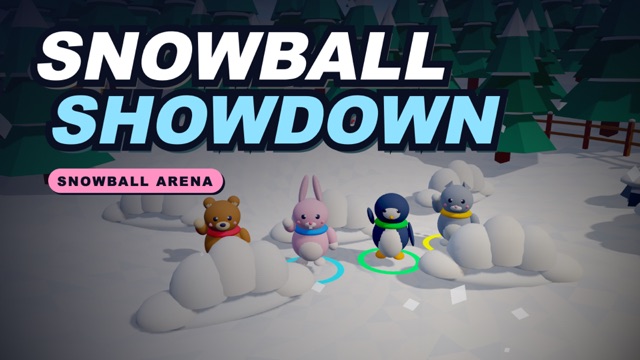
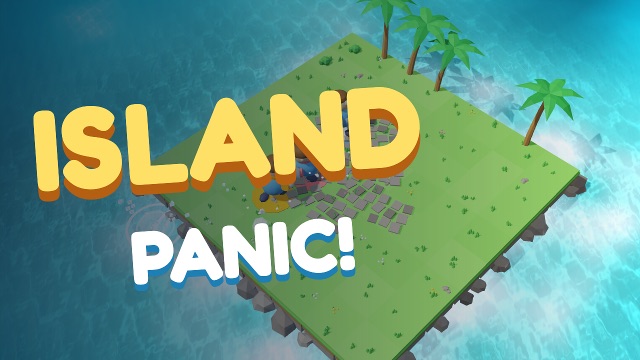


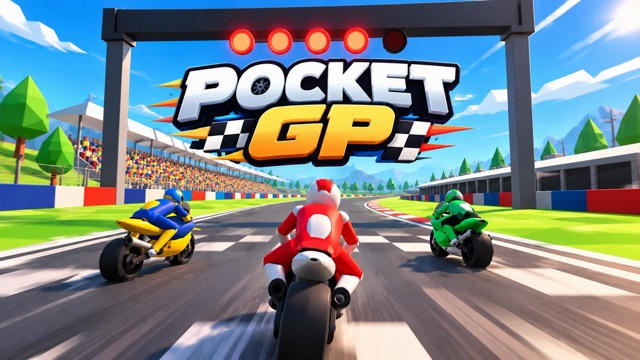
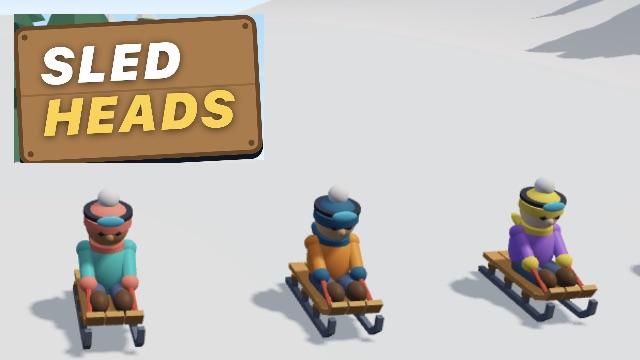
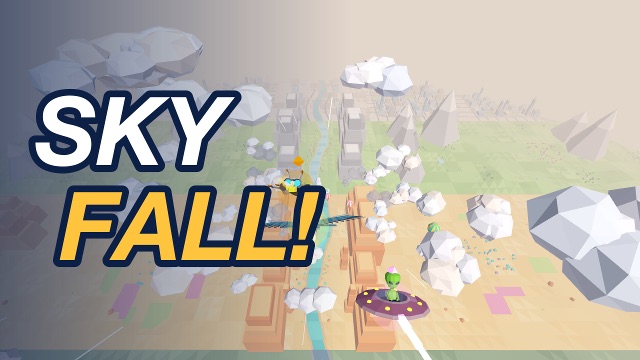
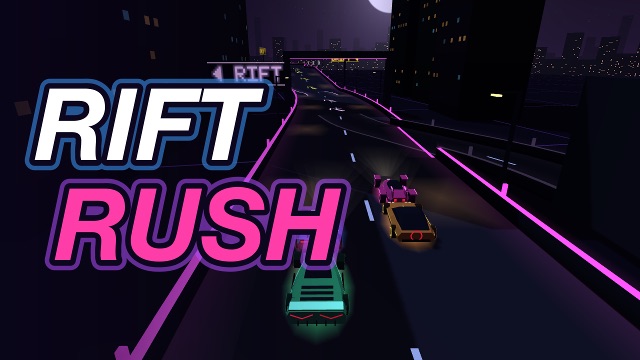
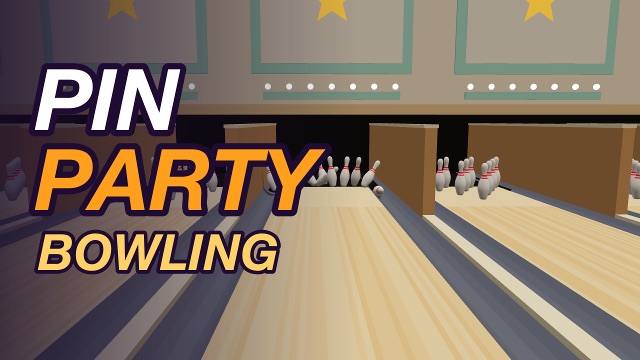
Three phones, three bikes, one screen. No waiting for a turn with the gamepad, on iPhone or Android.
Your phone is the ball. Swing it like you mean it.
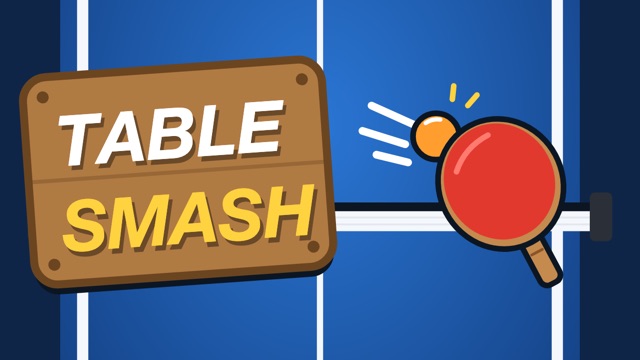
Swing your phone to smash the ball back across the table.
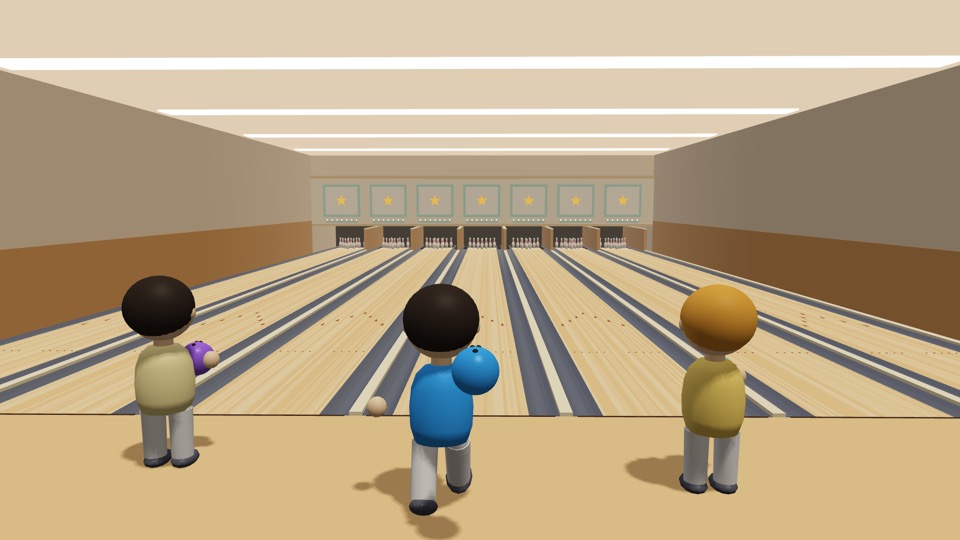
Every phone turns into the right controller, from thumb sticks to a bowling ball.
Phones talk straight to the TV, so the controls feel instant. Nothing to pair.
Join once and hop between all 15 games without anyone scanning again.
No. Players scan the QR code on the TV with their phone's camera, and the controller opens in the browser. Only the TV needs Pocket Play.
Amazon Fire TV, through the Amazon Appstore. Apple TV and Android TV are coming soon.
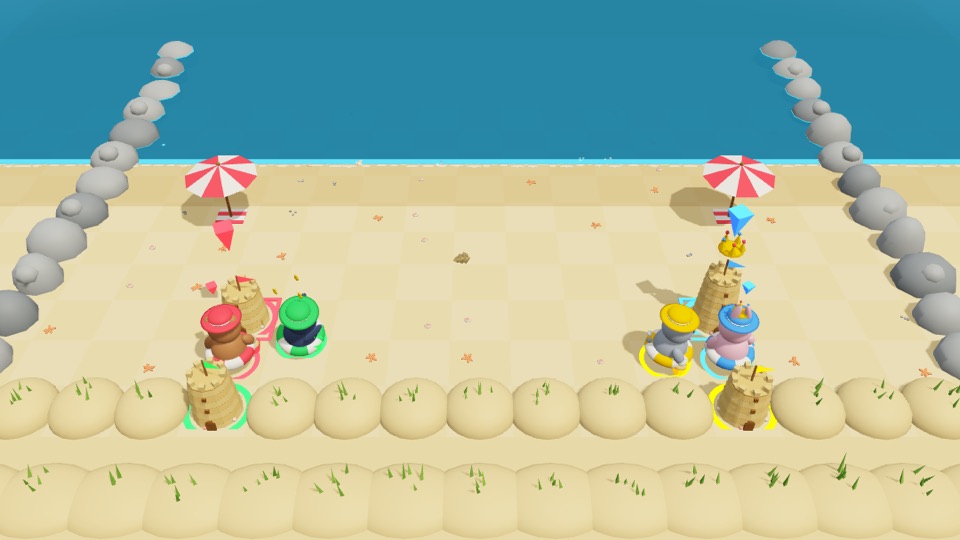
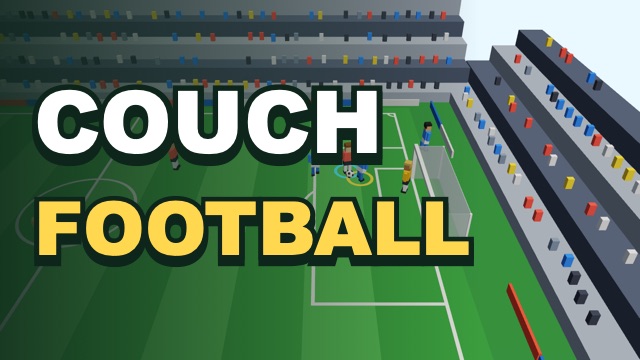
Up to six phones can join at once. Most games take up to four players and Island Panic takes all six. In Couch Football the computer fills any empty seats on either team.
Not always. Phones open the controller from pocketplay.club and then connect straight to the TV, so a phone on mobile data or another network can often join too. For the fastest, most reliable controls, use the same Wi-Fi as the TV.
Nothing to start: most games are free. Premium is an optional subscription that unlocks every game.
You can play the free games as a guest. Signing in with Google or email lets you subscribe to Premium and keep it on any TV.

Get Pocket Play from the Amazon Appstore on Fire TV. Apple TV and Android TV are coming soon.
Get it on the Amazon Appstore